Instant Browser Access
Start from the embedded frame and play without installing a separate game client.
Launch Queng GTA Vice directly in your browser and use this page as a practical guide for saves, loading problems, mission bugs, controls, and the questions players ask most often.
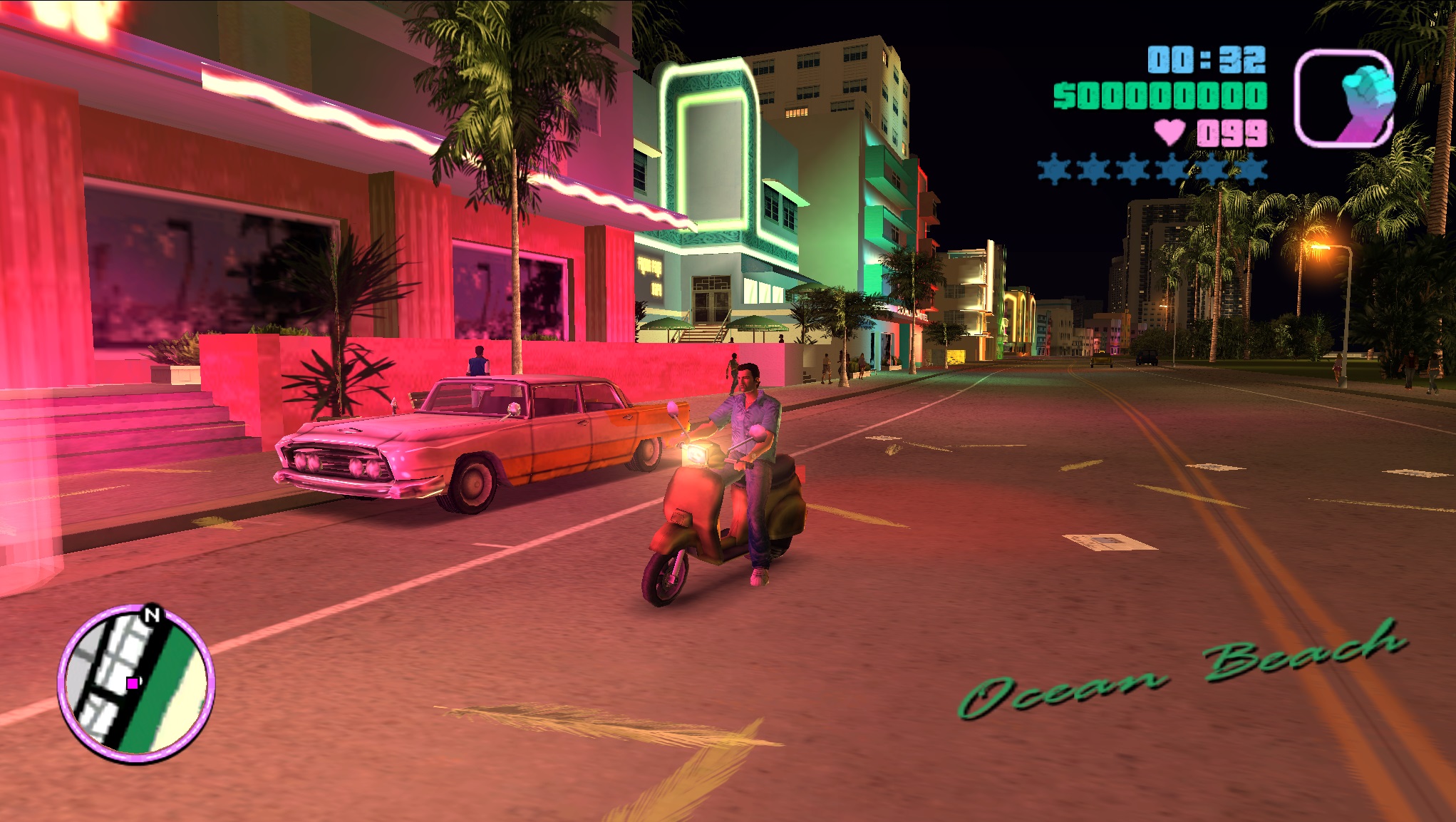
Embedded Vice City Web Edition powered by a browser-based WebAssembly port.
If the game stays black after the start screen, refresh once, make sure hardware acceleration is enabled, and try a modern Chromium browser before assuming your save or device is broken.
Queng GTA Vice is a browser page for playing a Vice City Web Edition without a traditional desktop install. The embedded build runs through WebAssembly and streams game assets while you play, which makes the first launch lighter than a full local download.
The game is set in a neon 1980s Miami-inspired city and follows Tommy Vercetti after a deal goes wrong. As the story moves forward, players take on missions, build influence across the city, and work through the same open-world structure that made Vice City memorable.
This page avoids pretending to be an official Rockstar page. Its purpose is simple: give players a fast launch point for Queng GTA Vice and answer the practical browser-version problems that come up while playing.
Start from the embedded frame and play without installing a separate game client.
Use in-game saves first, then export or import save files when the save manager appears.
Keyboard, mouse, controller, and touch support can vary by browser, device, and screen size.
These images help visitors understand the browser build before launching it, while keeping the actual play area close to the top of the page.
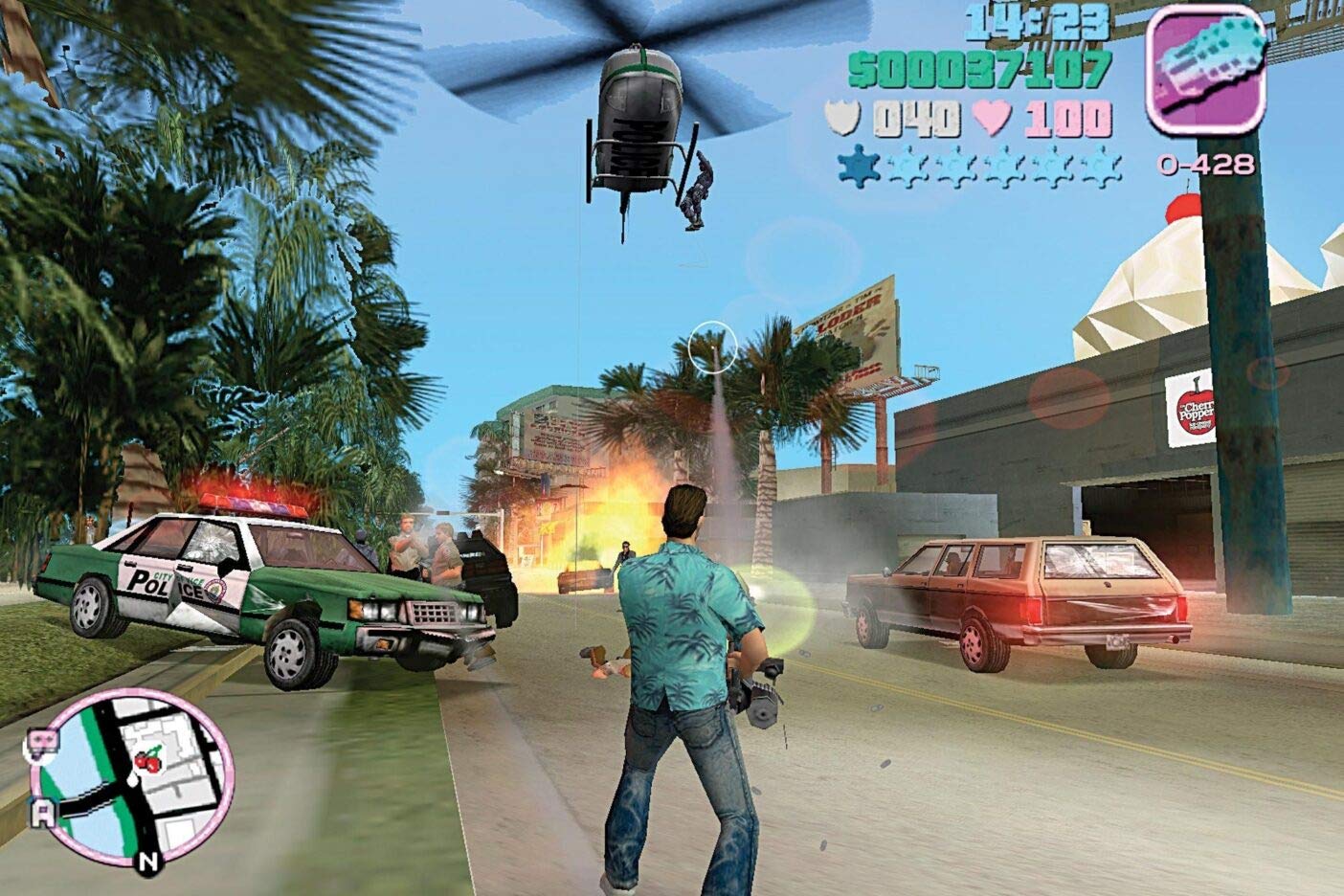
Saving is the most common Queng GTA Vice question. Browser storage can feel confusing, so use both the in-game save point and the save manager flow when available.
Press Escape on desktop. On mobile, use the on-screen pause or menu control if your browser exposes it correctly.
Reload the page, enable browser hardware acceleration, close memory-heavy tabs, and try a Chromium-based browser. A black screen usually points to graphics initialization or asset-loading problems.
Browser builds may limit or stream audio differently to reduce file size, loading time, or copyright exposure. If only one station works, it is usually a build limitation rather than a save-file problem.
Check whether the required assets and side missions are complete. Players often mention Print Works, Kaufman Cabs, Cherry Poppers, Boatyard, Pole Position, and Sunshine Autos as requirements before the final missions appear.
Physics can behave strangely when the frame rate is unlocked. If a mission feels impossible, try limiting the game to 30 or 60 FPS from the in-game settings when that option is available.
No. Queng GTA Vice is a single-player browser experience, so multiplayer questions usually require a different project or modded client.
Recent player comments mostly cluster around saving, loading, radio audio, mission triggers, and browser performance. These summaries keep the useful support patterns without copying low-quality comment noise into the main page.
Players who lose progress are usually told to save at the in-game hotel marker first, then reload and use the save manager to export a backup.
Common fixes include refreshing, trying another browser, enabling hardware acceleration, and waiting for streamed assets on slower connections.
Boat speed, cutscene freezes, and missing late-game missions are often tied to frame-rate settings, incomplete assets, or browser-port limitations.
Silent stations are a frequent browser-port complaint. The likely causes are audio streaming limits, reduced asset packages, or licensing constraints.